
You’ve got a launch monitor. You’ve got a net or screen. You’ve got the space.
Now you need the software — and there are three major players that keep coming up. GSPro, E6 Connect, and Awesome Golf. Three platforms. Three price points. Three completely different answers to the question “what do you want to do in your garage?”
Most comparison articles won’t tell you: they’re not competing with each other. They’re built for three different people who want three different things from their simulator.
Let me show you what I mean.
The 30-Second Answer
| GSPro | E6 Connect | Awesome Golf | |
|---|---|---|---|
| Price | $250/yr | $300-600/yr | $160/yr or $350 lifetime |
| Courses | 4,000+ (community) | 100+ (licensed) | 11 (licensed) |
| Graphics | Good | Excellent | Clean/Bright |
| PC Required | Yes (Windows only) | Optional (iPad/PC) | No (iPad/Android) |
| Online Play | Works but basic | Best in class | Monthly challenges |
| Family-Friendly | No | Some | Yes (13 game modes) |
| Setup Difficulty | Moderate (bridge apps) | Plug-and-play | 5 minutes |
| Data Depth | Maximum | Excellent | Basic |
| Best For | Course collectors, serious sim | Online play, polished experience | Families, kids, quick sessions |
The honest answer: You probably need two of these. Most serious sim owners run GSPro for their weekend rounds and Awesome Golf for quick practice sessions and when the kids want to play. E6 is the middle ground if you want polish without the PC hassle.
GSPro: The Course Collector’s Choice
$250/year. Four thousand courses. Let that number sit for a second.
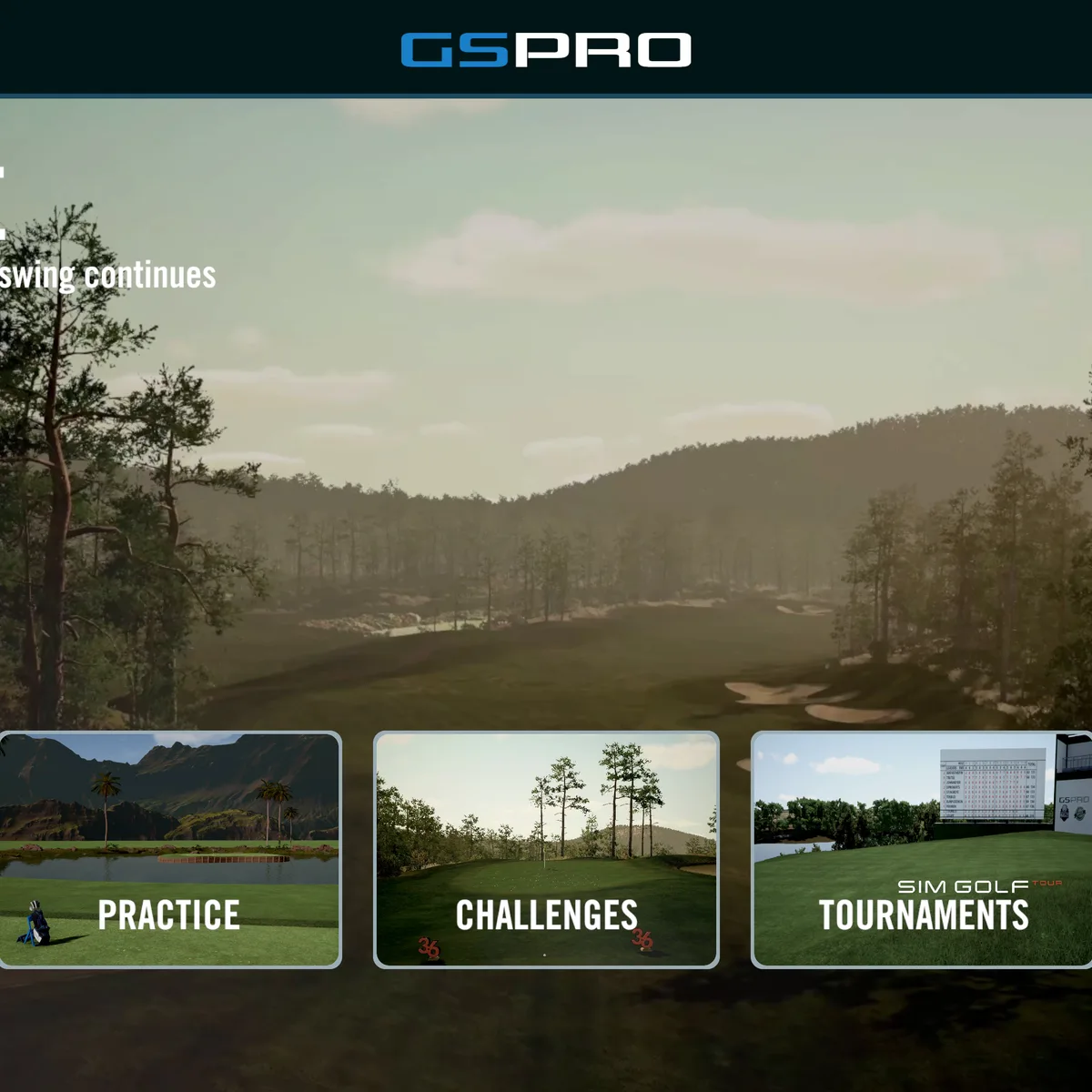
GSPro is the best value in golf simulator software, and I don’t think it’s close. $250 gets you every famous course on earth — Augusta, Pebble Beach, St Andrews, Sawgrass, all of them — rendered in 3D with physics tuned by a community of 50,000+ users who are obsessive about making the game feel real.
The catch is obvious: you need a Windows PC. Not a Mac. Not an iPad. A PC with a decent graphics card. The kind of machine you’d need to run a modern video game. If you don’t have one, factor $700-1,200 into your sim budget for the gaming PC.
The second catch: setup can be technical. Some launch monitors need a “bridge app” to talk to GSPro. You might spend an hour on a Discord server troubleshooting your connection before you hit your first ball. Not everyone wants to do that.
But for the guy who does? It’s the best $250 he’ll spend all year.
Who should buy GSPro:
- You want to play every famous course
- You’re building a dedicated sim with a gaming PC
- You’re comfortable with a slightly technical setup
- You want maximum data depth
Who should NOT buy GSPro:
- You only have an iPad or Mac
- You want to hit balls in the next 10 minutes
- You’re building this for your family, not yourself
- You don’t want to maintain a PC
E6 Connect: The Polished Professional
E6 Connect is the software you’ve already seen. It’s what runs at every golf retailer, pro shop, and commercial sim bay. The same software you’ve paid $40 an hour to hit balls on? That’s E6.
It costs more — $300 a year for the base tier, $600 for the full course library. That’s 2-3 times GSPro. But what you get for that premium is polish.
The graphics are the best in sim golf. On a 4K projector, E6 courses look stunning. They’re officially licensed, professionally mapped, and consistently excellent. Every course plays the way it should because TruGolf paid for the rights to map it properly.
The setup is genuinely plug-and-play. Download the app on your iPad or PC, connect your launch monitor, and you’re playing. No bridge apps. No Discord troubleshooting. No “it should work after you update these three drivers.” It works.
And the online play is mature — tournaments, leagues, leaderboards, head-to-head matches. If you’re the kind of guy who wants to play sim golf against your buddy across town, E6 is the answer.
Who should buy E6 Connect:
- You want the best graphics and polish
- You want online league play and tournaments
- You’re on iPad and don’t want a PC
- You want a setup that “just works” out of the box
Who should NOT buy E6 Connect:
- You want thousands of courses (GSPro has 40x more)
- You’re on a tight budget ($300-600/yr is steep)
- You don’t care about online play
- You want family-friendly game modes
Awesome Golf: The Fun Machine
Awesome Golf is the one that doesn’t fit neatly into the GSPro vs E6 comparison because it’s not trying to be either of them.
It costs $160 a year. Or $350 for a lifetime license. That’s it — one price, you’re done. No tiers. No “premium course” upsells.
It runs on an iPad. Most people already own an iPad. If you don’t, a base iPad is $350. Combined with the lifetime license, your total software cost is $700. Compare that to GSPro ($250/yr + $800 PC = ongoing cost) or E6 ($300-600/yr + maybe an iPad).
The course library is small — 11 courses. That’s not a typo. Eleven. If your primary goal is course variety, Awesome Golf is not your answer.
But here’s the thing: Awesome Golf has 13 game modes. Super Splash (hit into a shark-infested pool). Boat Blast (sink boats with your shots). Wrecking Balls. Skills challenges. Monthly worldwide competitions.
Your kids will play this. Your spouse will play this. Your non-golfer friends who come over for the game will play this. (For a full guide on building a family-friendly golf simulator setup, we have you covered.) And they will have fun — not the “sure, this is interesting” kind of fun, but the “let me try again” kind.
It’s also the best “second software” in sim golf. Run GSPro on your PC for serious rounds. Fire up Awesome Golf on your iPad when you want a quick 15-minute practice session or when the kids want to play. Two platforms, two use cases, one sim.
Who should buy Awesome Golf:
- You want to hit balls tonight, not after setup
- You have an iPad and no gaming PC
- You need family-friendly game modes
- You want the cheapest possible entry to sim software
Who should NOT buy Awesome Golf:
- You want to play every famous course (you want GSPro)
- You want maximum data depth and analytics
- You’re building a commercial or serious practice setup
The Two-Software Setup (The Honest Recommendation)
Across forum threads, community reviews, and spec sheets, the honest recommendation is this: buy two of them.
The most common setup among serious sim owners is GSPro for serious rounds + Awesome Golf for quick sessions and family play. It costs $410/year ($250 + $160) or $600 if you buy the Awesome Golf lifetime. Either way, it’s less than E6’s premium tier.
Here’s when that setup makes sense:
- You’re building a dedicated sim with a gaming PC
- You play 3-4 times a week and want course variety
- You have kids or a spouse who might want to use the sim
- You’re comfortable with the GSPro setup process
Here’s when you should buy just E6 Connect:
- You want one platform that does everything reasonably well
- You don’t want to manage two pieces of software
- You value polish and simplicity over course count
- You want online league play
Here’s when you should buy just Awesome Golf:
- You’re a casual golfer who wants to hit balls and have fun
- You don’t have a gaming PC and don’t want one
- Your primary use case is family entertainment
- You’re on a tight budget
Which One Goes in Your Garage
Three platforms. Three different jobs. No single winner, because “winner” depends on who you are.
- GSPro — 4,000 courses, $250/yr, needs a PC. The best value for the serious sim golfer.
- E6 Connect — 100 polished courses, $300-600/yr, works on iPad. The best pick for plug-and-play premium.
- Awesome Golf — 11 courses, $160/yr or $350 lifetime, runs on iPad. The best family-friendly option and the perfect second software.
For most people reading this? Get GSPro if you have a PC. Add Awesome Golf if you have kids or want quick sessions. Skip E6 unless you specifically want online play or the absolute easiest setup.
You’ve read this far. You know what you want. Here’s the links — GSPro review, E6 Connect review, Awesome Golf review, or The Complete Guide to Golf Simulator Software for every platform ranked side-by-side. Read them. Pick one. Or two. Hit some balls.
Need the full picture on costs? 5-Year Total Cost of Ownership → with software subscriptions, mats that wear out, and the hidden expenses nobody talks about.