
TGC 2019
The Buy-Once Golf Simulator Software
"TGC 2019 is the anti-subscription choice. 150,000+ courses for a one-time fee. But the software is aging and the physics can't match GSPro. Worth it if you refuse to pay subscriptions — just know what you're getting."
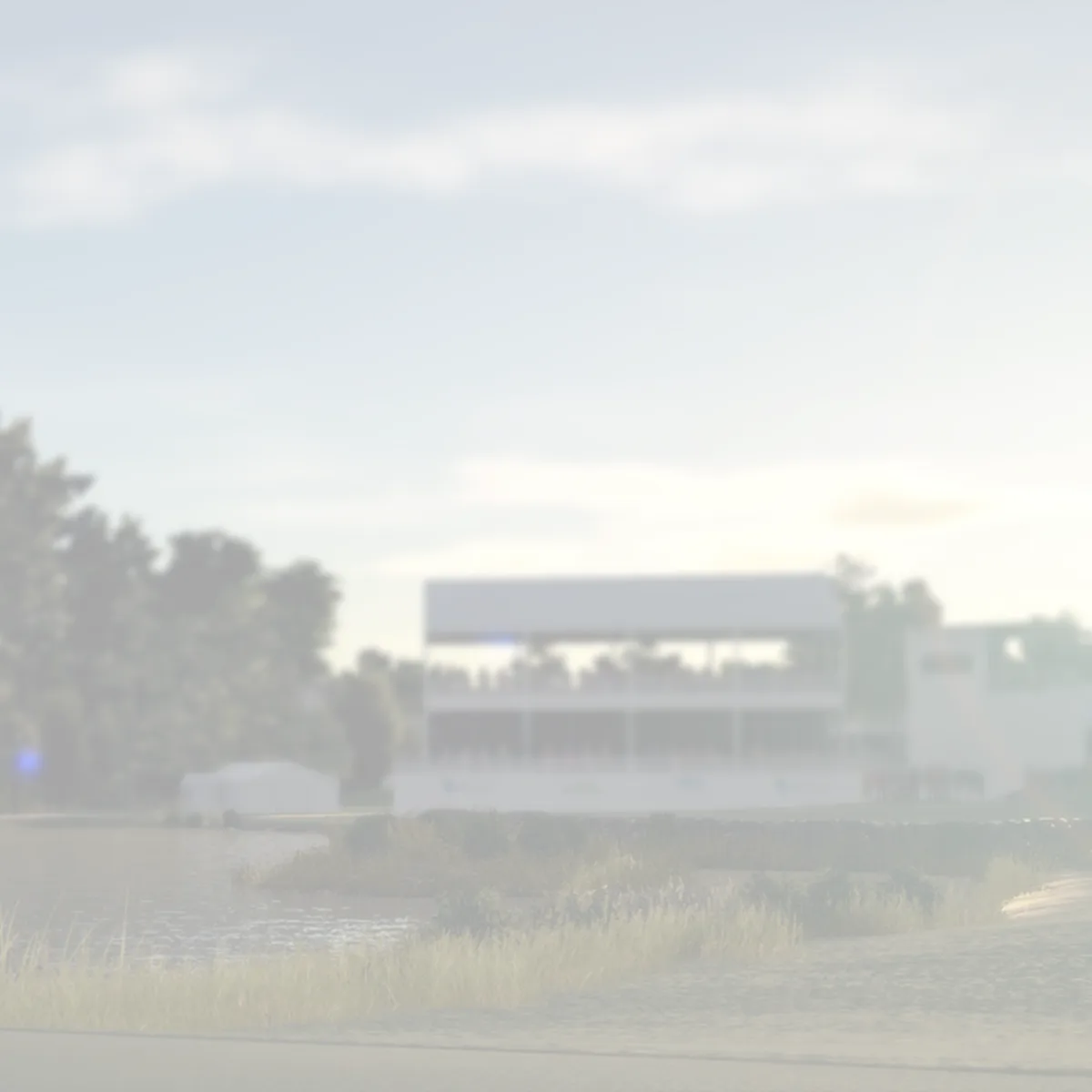
The TGC 2019

In the wild
The scorecard
Ratings as tested, out of 10.
| Spec | As tested | Caddie's note |
|---|---|---|
| Overall | 6.5 | |
| Accuracy | 7.0 | |
| Value | 9.0 | |
| Ease of use | 7.0 | |
| Software | 6.0 | |
| Price | $149 | |
| Brand | HB Studios |
what it does well —
- One-time purchase — no subscription, ever
- 150,000+ community-designed courses — biggest library anywhere
- Built-in course designer — build your own courses
- Works with most major launch monitors
- Active society and tournament scene
what to know going in —
- Graphics are aging — last major update was 2019
- Physics feel slightly arcadey compared to GSPro/E6
- No longer actively developed — the future is uncertain
- Course quality varies wildly with 150K+ community courses
Is TGC 2019 still worth buying in 2026? TGC 2019 costs $149 once with no subscription and offers 150,000+ community-designed courses — the largest library in sim golf. Graphics show their age (last major update was 2019), and physics feel slightly arcadey versus GSPro or E6 Connect. But the lifetime pricing pays for itself in 7 months versus subscription alternatives. It scores 6.5/10.
Every golf simulator software on the market wants your credit card every month.
GSPro? $250 a year.
E6 Connect? $300 a year.
TrackMan? You don’t want to know.
TGC 2019 (The Golf Club 2019) asks for money once. You hand over $149 (give or take, depending on platform and sales), and you own it forever — no subscription, no “your access has expired” screen, no annual reminder that you’re renting your software.
That’s the story here. That’s why this six-year-old piece of software is still alive in 2026.
You need to know what you’re giving up — and what you’re getting — when you go with the buy-once option.
What TGC 2019 Actually Is
TGC 2019 is a golf video game that became simulator software by accident.
HB Studios built it as a console game first — PlayStation 4, Xbox One, PC. The sim version was an afterthought. A port. A way to take their golf engine and sell it to the launch monitor crowd.
That origin matters. It explains everything good and bad about this software.
The good: it’s a complete golf game. Full rounds. Match play. Stroke play. Online tournaments. A career mode. A course designer that’s genuinely powerful. This isn’t a stripped-down tech demo wearing simulator clothes.
The bad: it looks and feels like a six-year-old golf video game. Because that’s exactly what it is.
The sim version connects to launch monitors through a separate interface — TGC 2019 Sim, which runs alongside the main game. You set up your launch monitor (SkyTrak, GC2, GC3, GCQuad, Uneekor, TrackMan, FlightScope, ProTee — mostly everything that matters), and it translates your real swings into in-game shots.
The translation is the whole question. How good is it?
The Course Library: 150,000+ Reasons
This is TGC 2019’s undeniable killer feature.
The game ships with a built-in course designer. Not a stripped-down “pick a template” tool — a full terrain editor. You can sculpt fairways, place trees, build greens, add bunkers. Create your home course. Your local muni. The course you always wanted to play but can’t afford.
And 150,000+ people have done exactly that.
The TGC 2019 course library is the largest collection of playable golf courses ever assembled in one piece of software. Augusta National? It’s there (under a different name, because lawyers). St. Andrews? There are twenty versions. Pebble Beach? Multiple. Fantasy courses? Thousands.
You will never run out of courses to play. That’s not marketing exaggeration. You could play a new course every day for 400 years.
The trade-off: quality control is nonexistent.
For every well-designed course, there are ten that look like someone’s first time using a terrain editor. Greens that are impossible. Fairways that look like moonscapes. Trees growing out of bunkers. The course library is a gold mine, but you have to sift through gravel to find the gold.
The community has partially solved this. Certain designers are known for quality. Courses with high play counts are usually solid. And there are curated lists on the TGC forums and Reddit. Or check our curated guide to the best TGC 2019 courses for a pre-filtered list of the highest-quality community builds — zero gravel sifting required.
But if you want to just browse and pick something at random, you’re gambling with your time.
Graphics: Showing Its Age
Let me be direct: TGC 2019 does not look good.
It looked fine in 2019. The Unity engine was capable. The lighting was acceptable. The trees were… okay. For a golf game on PlayStation, it was a solid B.
In 2026, it looks like a game from 2019.
The trees are flat. The grass textures are repetitive. The water looks like a blue sheet someone forgot to texture. There’s no ray tracing, no dynamic lighting worth mentioning, no modern graphical techniques.
GSPro runs on high-end PCs with modern graphics engines and looks genuinely stunning — real-time shadows, detailed terrain, grass that actually looks like grass. E6 Connect has polished presentation, broadcast-style camera angles, professional graphics.
TGC 2019 looks like a video game from the last console generation. Because it is.
Here’s the question that matters: do you care?
If you’re hitting balls in your garage at 10 PM with the lights dim, staring at a projector screen, you probably don’t care what the trees look like. You care whether the ball goes where you hit it. You care about physics, not pixels.
If you’re hosting golf simulator parties and you want guests to be impressed by the visuals, you’ll want something newer.
Physics: The Arcadey Question
The TGC 2019 physics engine is… fine.
The ball flight is believable most of the time. The spin reacts to your launch monitor data. A push fade behaves like a push fade. A draw behaves like a draw.
But it’s not GSPro.
GSPro’s physics engine is built from the ground up for simulation accuracy. It uses a sophisticated ball flight model that accounts for atmospheric conditions, altitude, temperature, grass type. It feels like real golf because it’s engineered to feel like real golf.
TGC 2019’s physics feel like a golf video game. Smooth. Somewhat forgiving. A touch arcadey.
The difference is subtle on full shots. A 7-iron into a green behaves similarly in both. The gap opens up around the greens.
Chipping in TGC 2019 is where you’ll notice it most. The ball doesn’t check up like real grass. It rolls out more. The spin interaction with the turf is simplified. Pitch shots feel… videogame-ish.
Putting is also controversial. The green grids are helpful (maybe too helpful). Reading putts becomes a geometry exercise rather than a feel exercise. Some people love this. Some hate it.
Here’s my take: if you’re a 15 handicap who wants to practice full swings and play famous courses, TGC 2019’s physics are good enough. If you’re a 5 handicap who cares about dialing in wedge distances, you’ll be frustrated.
Pricing: The Whole Point
$149. That’s what TGC 2019 costs on Steam, on sale.
GSPro costs $250 per year. E6 Connect costs $300 per year. If you keep your simulator setup for five years, that’s $1,250 for GSPro or $1,500 for E6.
Or $149 once.
Here’s the math that matters: TGC 2019 pays for itself in seven months versus GSPro. After that, you’re saving money. Every month you use it, the decision gets smarter.
This is the whole argument for TGC 2019. It’s not about being the best software. It’s about being good enough. And for a lot of people — especially people who are already spending thousands on a launch monitor, a projector, a screen, a mat, and a net — “good enough” with no subscription is significantly more attractive than “better” with a recurring payment.
The psychological difference matters too. When you own TGC 2019, you can take a month off. Or three months. There’s no guilt about paying for something you’re not using. No “I should play more because I’m paying for it.” You own it. It waits for you.
Setup & Compatibility
TGC 2019 works with most major launch monitors:
- SkyTrak / SkyTrak+ — Fully supported, one of the most common setups
- GC2 / GC3 / GCQuad — Works natively
- Uneekor (Eye XO, QED) — Supported
- TrackMan — Yes, if you have the budget for a TrackMan
- FlightScope Mevo+ — Supported
- ProTee — Supported
- Garmin R10 — Community workaround exists, not official
Setup is straightforward if you’re technical. You install TGC 2019 Sim (a separate free app that acts as the bridge), configure your launch monitor in it, and launch the game. The sim interface reads your shot data and injects it into the game engine.
It’s not plug-and-play. There will be a configuration session. You’ll need to set up network connections, align your hitting area, calibrate shot types. Expect to spend an hour getting it right the first time.
Once it’s set up, it works. The connection is stable. The shot translation is consistent.
One thing to note: TGC 2019 on PC is the only option for simulator use. The PlayStation and Xbox versions don’t have the sim interface. If you’re building a home simulator, buy the PC version.
Online Play & Societies
This is where TGC 2019 still holds its own.
The game has an active online community organized into “societies” — basically golf leagues you can join. Societies run tournaments with tee time scheduling, leaderboards, handicaps, the works. Some societies are huge (hundreds of members). Some are small groups of friends.
The tournament system is solid. You play your round on your schedule, your score gets posted, and you compete against others who play theirs. It’s asynchronous, which is exactly what you want in a home simulator — you don’t need to be online at the same time as anyone else.
The peer-to-peer multiplayer is less impressive. Playing a live round with a friend works, but it can be laggy. The netcode is from 2019 (because the game is from 2019). If you want to play simultaneously with someone, expect occasional desyncs and glitches.
But the society system? That’s genuinely good. It adds a competitive dimension that most other sim software doesn’t have. GSPro has licensed courses and better physics, but it doesn’t have a built-in society system. E6 has online play but it’s not as fleshed out.
The Future Question: Is TGC 2019 Dead?
This is the elephant in the room.
TGC 2019 hasn’t received a major update since… 2019. HB Studios was acquired by 2K and went to work on the PGA Tour 2K series. PGA Tour 2K21 came out. PGA Tour 2K23 came out. Neither has a simulator version. The sim community has been asking for years.
The answer from 2K has been silence.
So TGC 2019 sits in maintenance mode. The servers are still running. The societies are still active. The course designer still works. But no one is actively developing this software.
What happens when the servers shut down?
That’s the risk you’re taking. If you buy TGC 2019 today, you’re buying software that is supported by the goodwill of a community, not by a development team. The servers could go dark tomorrow. Or they could keep running for another five years. No one knows.
For what it’s worth: the community is resilient. There are mods. There are custom tools. There are people running their own servers. The TGC 2019 community has kept this game alive longer than the developers did.
But “the community will keep it alive” is not the same as “it’s actively supported.” Know the difference.
Who Is TGC 2019 For?
Buy it if:
- You refuse to pay a subscription for sim software
- You want the largest course library available
- You enjoy building and designing your own courses
- You’re already spending thousands on hardware and want to save on software
- You play alone or in asynchronous societies, not live multiplayer
- You’re okay with “good enough” physics and dated graphics
Don’t buy it if:
- You want the most accurate physics available — get GSPro. Full GSPro vs TGC 2019 comparison →
- You care about modern graphics and presentation
- You need active development and regular updates
- You play a lot of live multiplayer rounds with friends
- You’re a low handicap who wants to dial in wedge distances and spin numbers
The Verdict
TGC 2019 is the anti-subscription choice.
It costs $149 once. You get 150,000 courses. A built-in course designer. Active societies. Decent physics. Dated graphics.
It’s not the best sim software. GSPro is better. E6 is better. If you’re purely evaluating on quality, TGC 2019 loses.
But quality isn’t the only metric. Price matters. Ownership matters. The psychological freedom of owning your software — of knowing you can take a month off without feeling like you’re burning money — matters.
The real question: are you willing to give up graphical polish and physics accuracy to never pay a subscription?
If the answer is yes, TGC 2019 is your software. Buy it. Play it. Enjoy 150,000 courses while the servers are still running.
If the answer is no — if you want the best available golf simulation and you’re willing to pay for it — go with GSPro or E6 Connect. They’re better. They’re active. You’ll pay more. You’ll get more. (Or see exactly what GSPro does better vs TGC 2019 →)
Both choices are correct. The difference is what you value.
TGC 2019 values your wallet. Sometimes that’s the most important thing.
Buy TGC 2019 on Steam → Or see how GSPro compares to TGC 2019 → Or read our full GSPro vs. E6 comparison → See where TGC 2019 ranks against all 8 platforms → Browse all software reviews and comparisons → See Ace’s definitive 2026 software tier list →
TGC 2019 Sim was purchased by the reviewer. All opinions are independent. We may earn a commission on purchases through affiliate links. See the full lineup at our Software Hub. For every platform ranked side-by-side, read The Complete Guide to Golf Simulator Software — Ace’s definitive 2026 tier list.
Your Next Move.
Where you go from here depends on who you are.